Before and after
The client can compare the working 3D view with the visualization.

Photorealistic visualization
Turn the current 3D view into a realistic visualization that better presents lighting, materials and atmosphere.
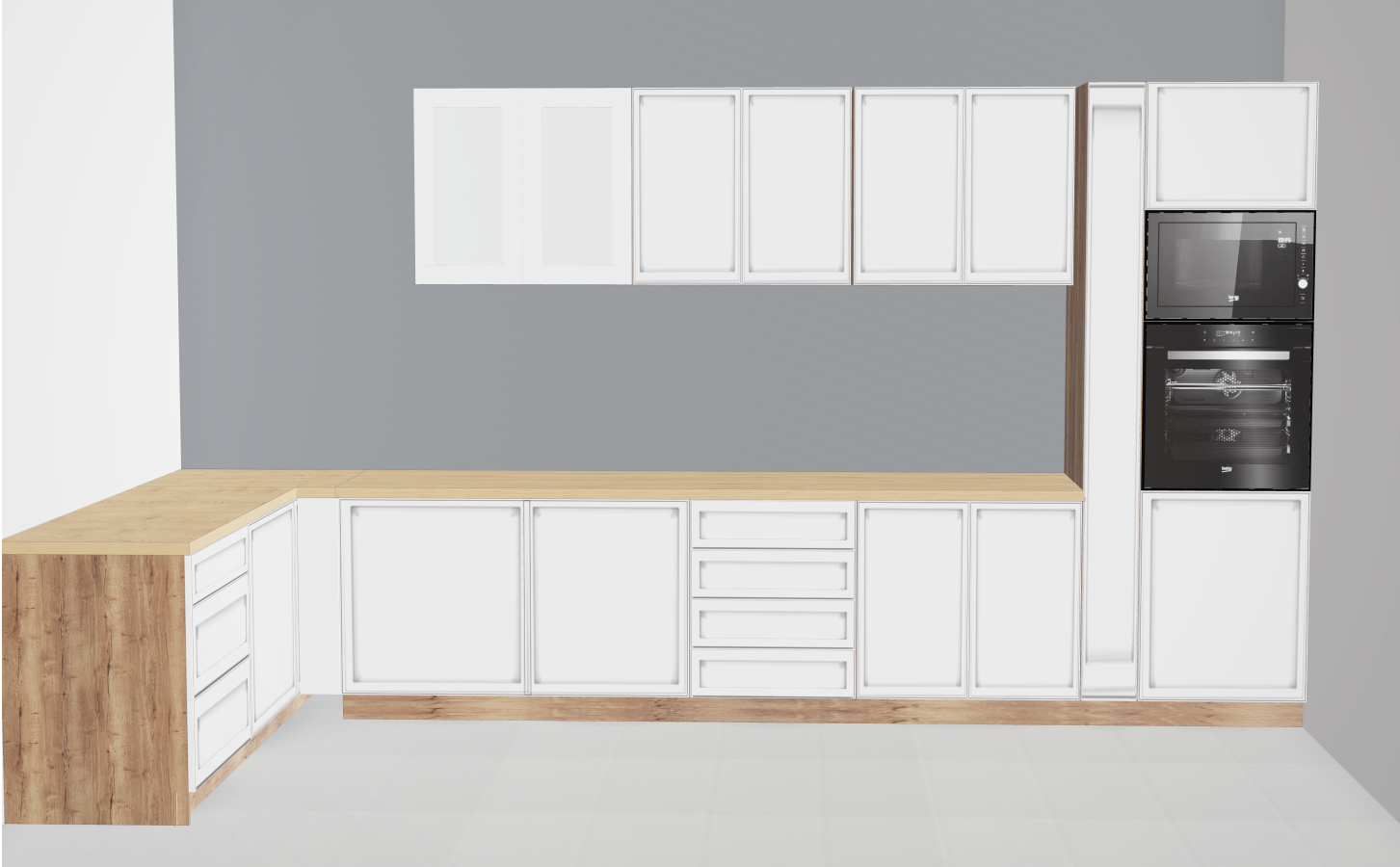
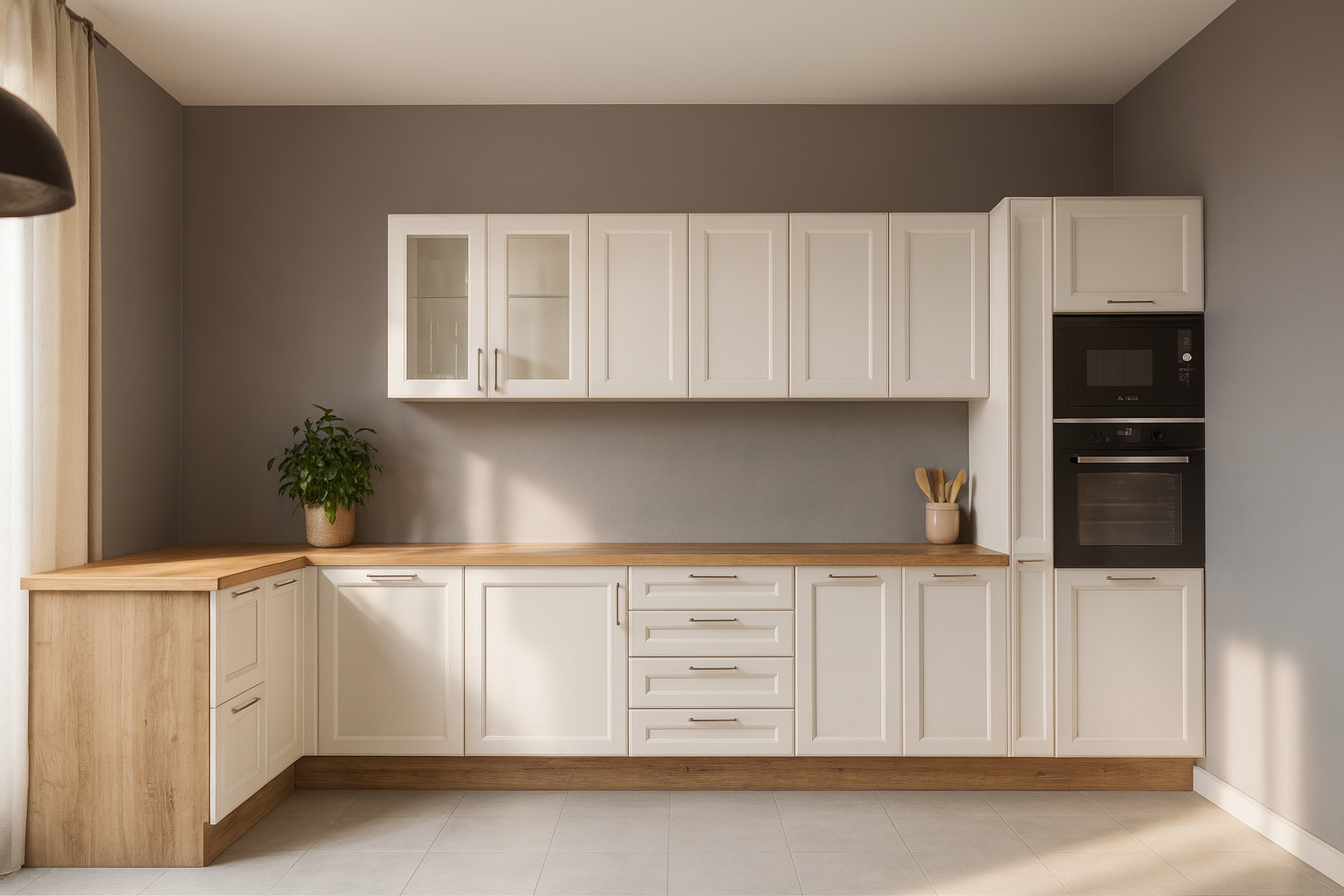
Show the design in more natural lighting and prepare a presentation the client can understand more easily.
The client can compare the working 3D view with the visualization.
Design-preservation mode protects the layout, appliances and proportions.
The visualization helps present and sell the design without manual rendering.
Product
The key views for this stage of the workflow.
The current 3D view on the left and the AI result on the right.
Saved results are stored in the user's rendering library.

Why it matters
AI Rendering improves lighting, reflections and atmosphere while remaining based on the design prepared in the Cabinet Designer.
Open the designerCabinets and appliances remain in the same positions.
The design's finishes and colors are the starting point.
The image helps secure client approval faster.
Continue to the next stages of the FurniturePilot workflow.
FAQ
Answers relevant to this page.
Design-preservation mode is intended to protect cabinet layout, appliances, proportions and materials.
Yes. AI Rendering uses the current project view from the Cabinet Designer.
A credit is charged after a successful generation.
Open the designer and see the result using your own dimensions.
FurniturePilot connects design, visualization, reports, estimating and production preparation. Results depend on the data and project settings you provide. Before ordering materials or starting production, verify dimensions against site measurements, part quantities, materials, edge banding, grain direction, hardware, tolerances and installation requirements.
Automated checks support project review but do not replace technical verification. Visualizations, including AI Rendering, are for presentation and are not shop drawings.